








55501582
Produzieren, Kommunizieren, Analysieren, Sicher agieren
In unserem Arbeitsheft Medienkompetenz 5-9, Vol. 1 – Produzieren, Kommunizieren, Analysieren, Sicher agieren finden Sie 50 interaktive und didaktisch aufbereitete Aufgaben.
Die Entwicklung von Medienkompetenz ist eine wichtige Anforderung an Schülerinnen und Schüler. In 50 interaktiven Aufgaben und interaktiven Videos wird Kompetenz in den Bereichen
Prouzieren, Sicher agieren, Suchen, Kommunizieren und Analysieren vermittelt.
Lernen macht jetzt Spaß!
- <> Languages : DE
- <> Target Groups : Lehrer
- <> Subject : Media Education
- <> Tasks : 50
Licenses
Included Tasks
- 1. Smartphones und Tablets - Interaktives Video
- 2. Fotografieren mit Smartphones und Tablets - Interaktives Video
- 3. Rechtliches beim Fotografieren - Interaktives Video
- 4. Fernsehen und DVD - Interaktives Video
- 5. Die Kameraeinstellung - Interaktives Video
- 6. Kamerabewegung - Interaktives Video
- 7. Kameraperspektiven - Interaktives Video
- 8. Tele- und Weitwinkel - Interaktives Video
- 9. Schärfe - Interaktives Video
- 10. Slow Motion und Zeitraffer - Interaktives Video
- 11. Das Videointerview - Interaktives Video
- 12. Filmen - Interaktive Aufgaben
- 13. Filmen - Interaktive Aufgaben (2)
- 14. Filmen - Interaktive Aufgaben (3)
- 15. Alte und neue Medien - Wortsuche
- 16. Streaming - Interaktives Video
- 17. Suchen im Internet - Video und interaktive Aufgaben
- 18. Rohstoff Daten - Interaktives Video
- 19. Daten im Netz - Interaktive Aufgaben
- 20. Auf die eigenen Daten aufpassen - Interaktive Aufgaben
- 21. Passwörter - Interaktives Video
- 22. Berechtigungen für Apps - Interaktives Video
- 23. Privat oder öffentlich? - Interaktive Aufgabe
- 24. Dem Internet glauben? - Interaktives Video
- 25. Chancen von Big Data - Interaktives Video
- 26. Risiken von Big Data - Interaktives Video
- 27. Entwicklung der Medien - Interaktive Aufgabe
- 28. Werbung - versteckt und gezielt - Interaktives Video
- 29. Jetzt kauf' halt! - Werbung! - Video und interaktive Aufgaben
- 30. Arten der Kommunikation - Interaktive Aufgabe
- 31. Online Einkaufen - Interaktives Video
- 32. Beeinflussung durch Soziale Medien - Interaktives Video
- 33. Fake News bei Whatsapp - Interaktive Aufgaben
- 34. Medien - Interaktive Aufgaben
- 35. Medien - Interaktive Aufgaben (2)
- 36. Raubkopien - Interaktives Video
- 37. Rechteverwertung - Interaktives Video
- 38. Zitat - Interaktives Video
- 39. Urheberrecht - Interaktive Aufgaben
- 40. Urheberrecht - Interaktive Aufgaben (2)
- 41. Digitale Meinungsfreiheit - Lückentext
- 42. Grundlagen der Meinungsfreiheit - Interaktive Aufgabe
- 43. Blogs untersuchen - Videos und interaktive Aufgaben
- 44. Meinungsvielfalt - Video und Interaktive Aufgaben
- 45. Meinungsvielfalt - Interaktive Aufgaben
- 46. Pressefreiheit - Bildzuordnung
- 47. Begrenzungen der Meinungsfreiheit - Interaktive Aufgabe
- 48. Populismus - Interaktive Aufgaben
- 49. Meinungsfreiheit - Interaktive Aufgaben
- 50. Meinungsfreiheit - Interaktive Aufgaben (2)
Curriculum-centred and oriented towards educational standards
Matching

Picture Stories (Level 1) Vol.3
In our workbook Mathematics, 6th grade, Vol. 1 you will find 50 interactive and didactically prepared tasks.

Computer Games
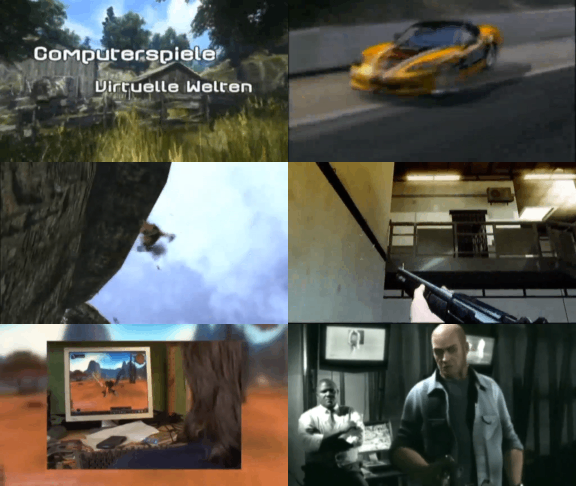
This film covers the topic of computer games in a variety of ways and from many different angles. Apart from the fascina- tion of computer games for users, the historical development as well as the production of computer games are described. The established genres are introduced, the guidelines of the German BPjM are explained. In light of recent public discussions, a neutral overview of the pros and cons of playing computer games is given, and different kinds of player behaviour are outlined. In this film, the pupils will recognise many aspects of their favourite pastime that encourage an independent, constructive use of this medium and reinforce their media competency. The film and teaching material are very closely related to the real-life situation.
Media in Everyday Life
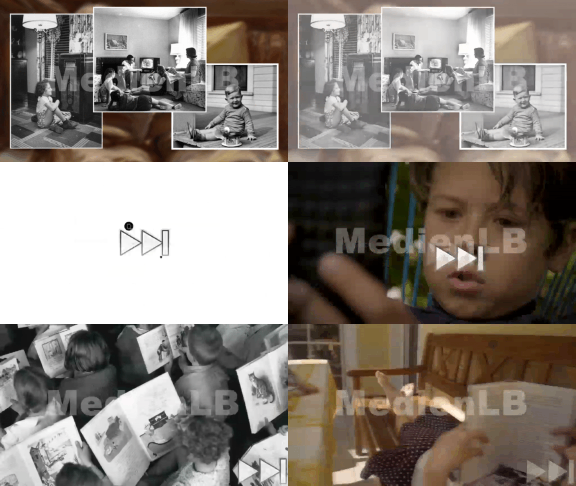
Media are part of our everyday lives. Children already used media in the past, however, it was not called that back then. A long time ago, boys and girls read books and magazines. In the past century, records, radio and television for children were added.