







55503568
Grundwissen für die Grundschule
In unserem Arbeitsheft Computer – Grundwissen für die Grundschule finden Sie 51 interaktive und didaktisch aufbereitete Aufgaben.
Das Medium bietet H5P-Aufgaben an, die ohne zusätzliche Software verwendbar sind. Das Medium enthält interaktive Videos und 51 H5P-Aufgaben zum Thema Grundwissen Computer.
Durch interaktive Aufgabentypen wird das audiovisuelle und interaktive Lernen einfach.
Lernen macht jetzt Spaß!
Included Tasks
- 1. Los geht's - Video
- 2. Finde die passenden Bilder (1)
- 3. Finde die passenden Bilder (2)
- 4. Finde alle Wörter im Suchfeld zum Thema Computer
- 5. Wörter im Gitter finden - Alles rund um den Computer (Fortgeschritten)
- 6. Verbinde die richtigen Paare miteinander - Themenbereich Computer
- 7. Das kannst du alles am Computer machen! - Finde die passenden Bilder
- 8. Die Bestandteile eines Computers - Bildzuordnung
- 9. Wie schalte ich einen Computer ein?
- 10. Einen Computer richtig ausschalten - Interaktive Aufgabe
- 11. Einen Computer richtig ausschalten (Mac) - Interaktive Aufgabe
- 12. Die Computermaus und deren Funktionen
- 13. Den Cursor bewegen - Interaktive Aufgabe
- 14. Zielübung mit dem Cursor (1): Kegelbahn
- 15. Zielübung mit dem Cursor (2): Dosenwerfen
- 16. Übe die "Drag and Drop"-Funktion (1)
- 17. Übe die "Drag and Drop"-Funktion (2)
- 18. Mache dich mit der Tastatur vertraut!
- 19. Wie lege ich einen Ordner auf dem Desktop an
- 20. Wie lege ich einen Ordner auf dem Desktop an? (Mac)
- 21. Ordner benennen - Interaktive Aufgabe
- 22. Dateien benennen - Interaktive Aufgabe
- 23. Eine Internetseite öffnen (Mac)
- 24. Die Suchmaschine Google verwenden (Mac)
- 25. Malen mit Paint - Interaktive Aufgabe
- 26. Das Programm Word - Erste Einführung
- 27. Das Programm Word - Fortgeschritten
- 28. Korrekturtools in Word und PowerPoint (Mac)
- 29. Ein Dokument in Word Drucken (Windows)
- 30. Dokumente ausdrucken (Mac)
- 31. Die Geschichte des Computers
- 32. Computerspiele - Interaktive Aufgabe
- 33. Systemtöne hören und erkennen - Interaktive Aufgabe
- 34. Was ist WLAN und wie kann ich es nutzen?
- 35. WLAN - Interaktive Aufgabe
- 36. Die E-Mail: Herkunft und Aufbau - Interaktive Aufgabe
- 37. Die E-Mail: Finde die richtigen Funktionen (Antworten / allen Antworten)
- 38. Die E-Mail: "CC" "re" / "aw" / bitte was?
- 39. Die E-Mail: Länderkürzel erkennen (Kopfnuss) - Interaktive Aufgabe
- 40. Sicherheit im Internet - Interaktive Aufgabe
- 41. Anonymität im Internet - Interaktive Aufgabe
- 42. Werbung im Internet - Interaktive Aufgabe
- 43. Kettenbriefe - Interaktive Aufgabe
- 44. Datenschutz
- 45. Was sind Cookies?
- 46. QR-Codes - Interaktive Aufgabe
- 47. Was weißt du schon alles über Computer? (Quiz)
- 48. Was sind USB-Sticks und wie kann ich sie nutzen?
- 49. Das unschließbare Fenster (Windows)
- 50. Quiz zum Computerwissen (1)
- 51. Quiz zum Computerwissen (2)
Curriculum-centred and oriented towards educational standards
Matching
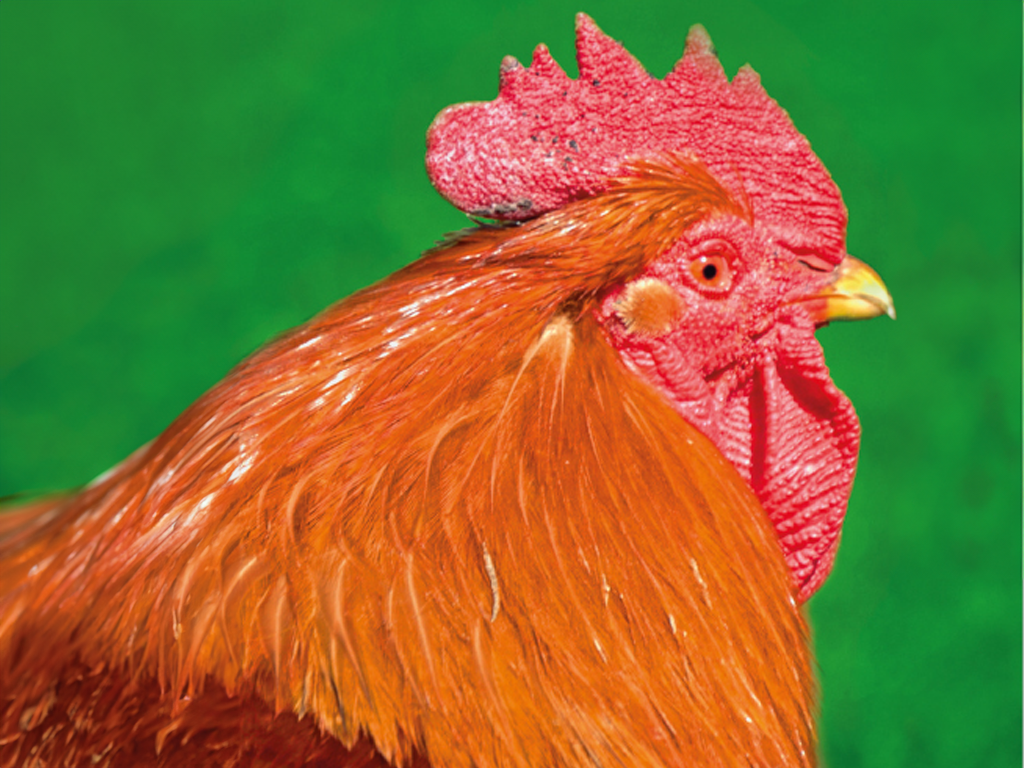
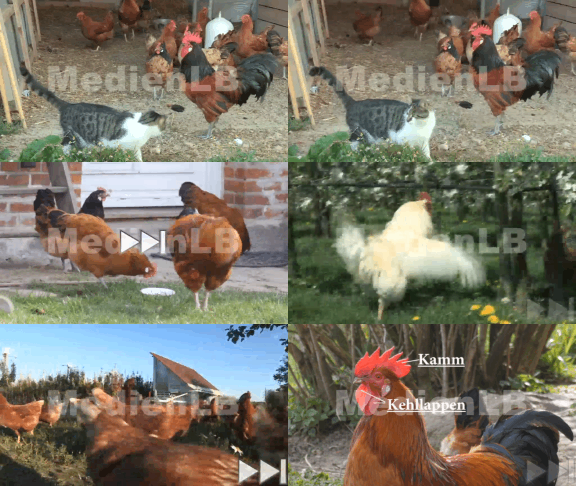
Chickens
In the story of “Max and Moritz“it says:

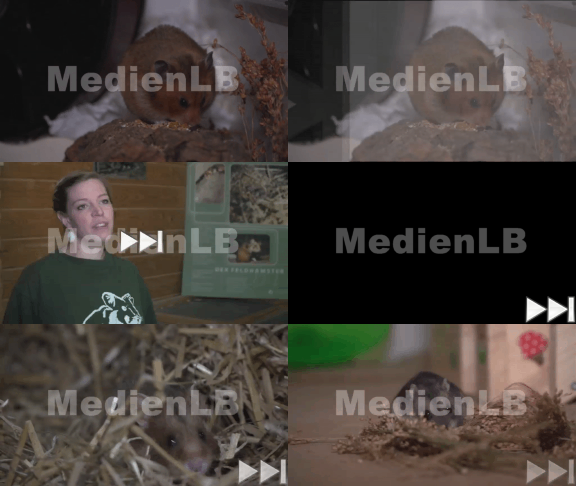
Hamsters
Hamsters are small rodents that have four sharp incisors. They are related to mice.
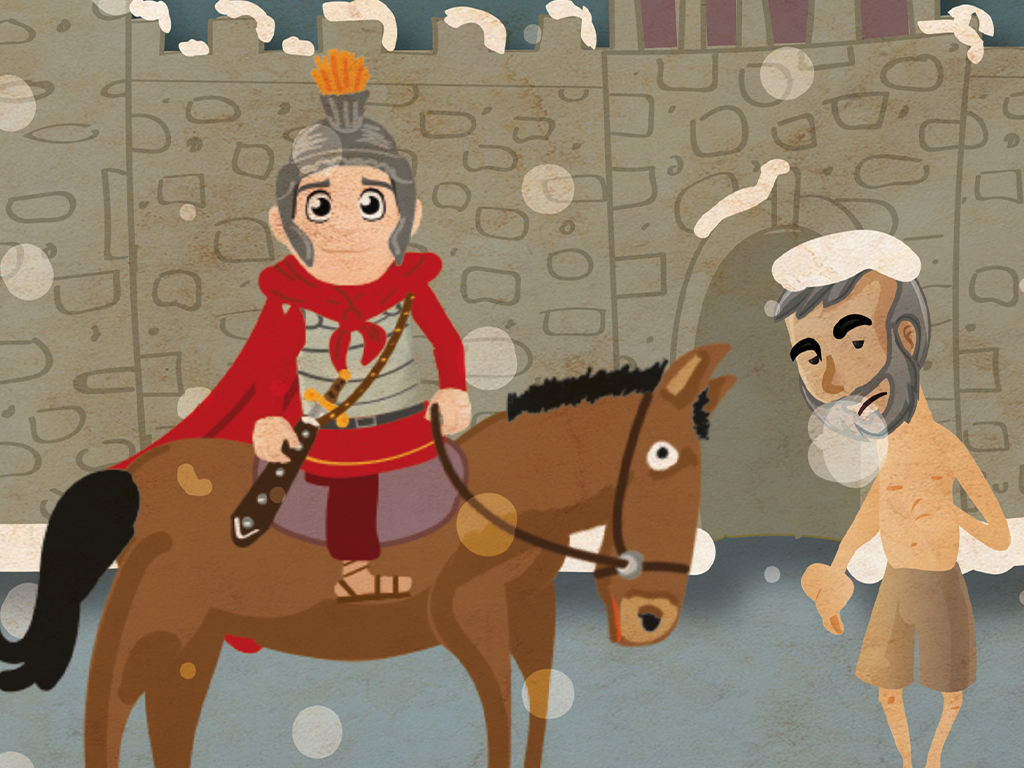

Saint Martin
Every year on November 11, Saint Martin’s Day is celebrated. This church festival is also referred to as Saint Martin’s Feast.